The software layer between a humanoid and the work you want from it.
Sentio OS is an application and runtime layer that runs on top of the robot's own software. It does not replace the manufacturer's firmware, Linux or the low-level control and safety.
You compose behaviour from blocks, reuse it as Skills, trigger it from a button, a gesture or something the robot sees, and run it on the robot itself, offline. Available today for Unitree G1 EDU.
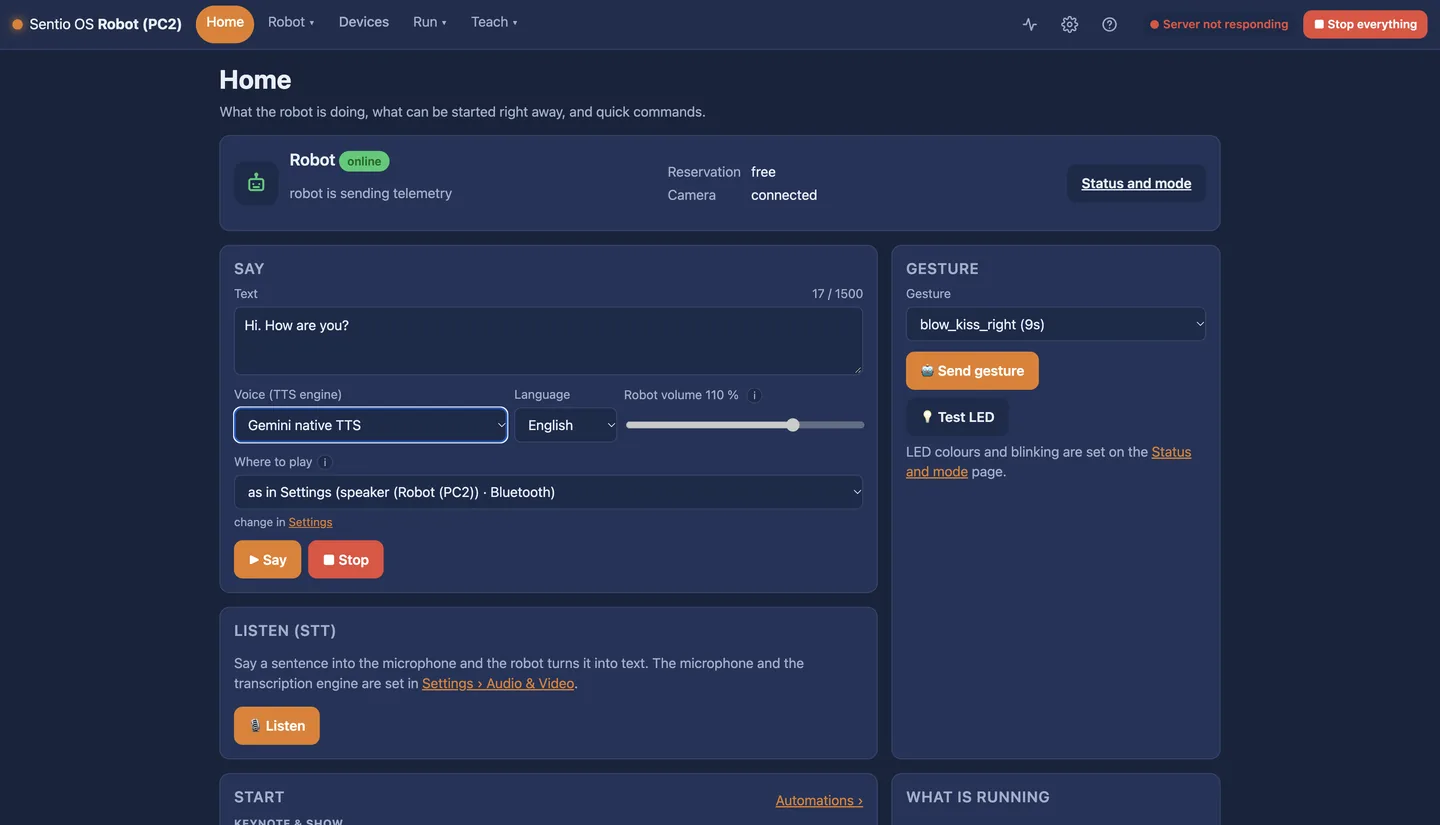
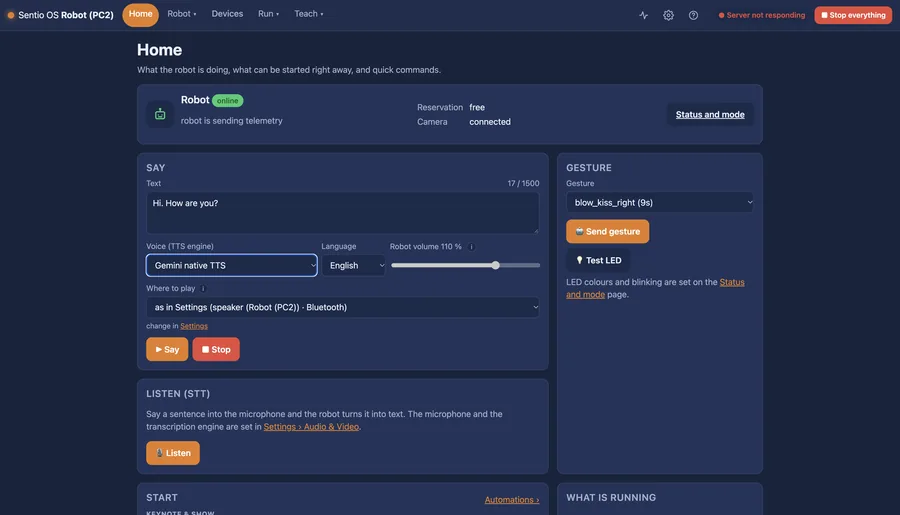
The home screen: robot status, quick commands, and what is running.
A humanoid arrives with motors, sensors and a basic app. Sentio OS turns them into tasks without months of integration.
Run Sentio OS as a container on the G1's second computer, or on the Sentio Backpack the robot wears. One Ethernet cable. Nothing inside the robot is rewritten.
Combine steps and conditions in the visual editor: say, listen, look, gesture, walk, grip. Save it as a Skill with its own trigger.
Start it from the web interface, a controller button, a gesture or a trigger. Watch it run step by step. Stop everything with one button.
Available today on Unitree G1 EDU. Where an accessory is needed, it is named.
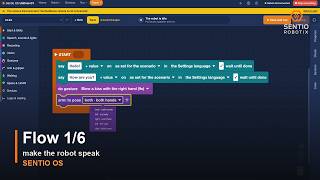
Behaviour composed from blocks in the browser, checked before it runs, with the running step highlighted.
Watch: Flow 1/6 →AvailableA Flow saved as a Skill appears among the actions and can be started by a button, a wrist movement or what the robot sees.
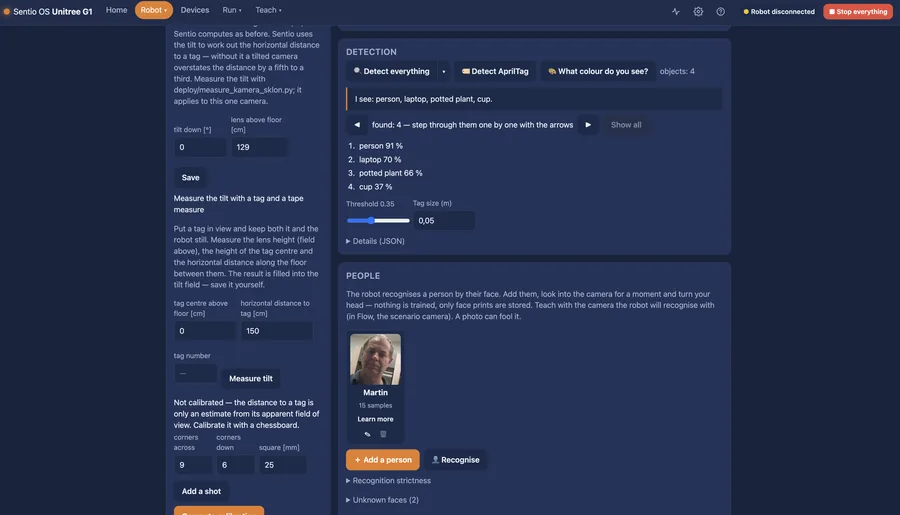
AvailableObject and people detection, AprilTag markers, face recognition and greeting by name, a description of the scene.
Watch →Available · RealSense cameraSpeech synthesis on the device, listening, voice commands and a conversational agent. English and Czech.
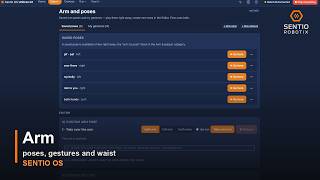
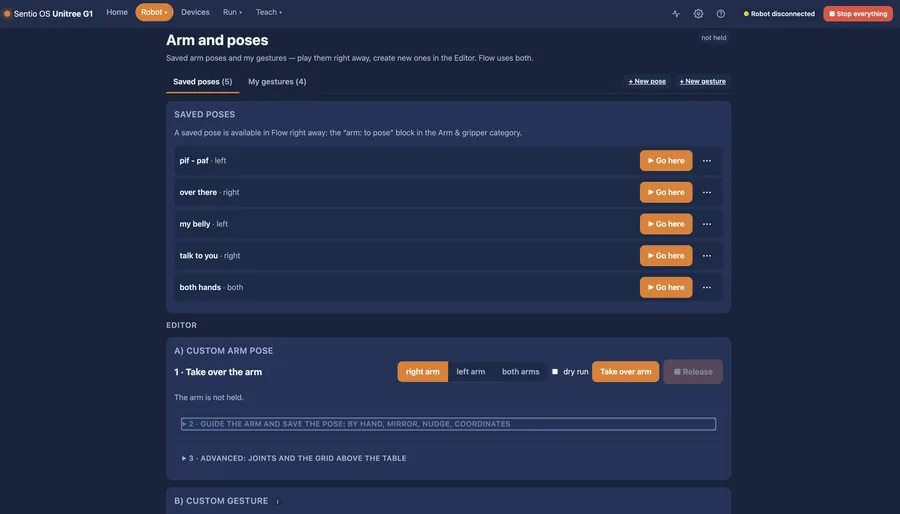
Watch →Available · microphoneTeach arm positions by guiding the hand, work on a grid above the table, track an object, pick and place with the Sentio gripper.
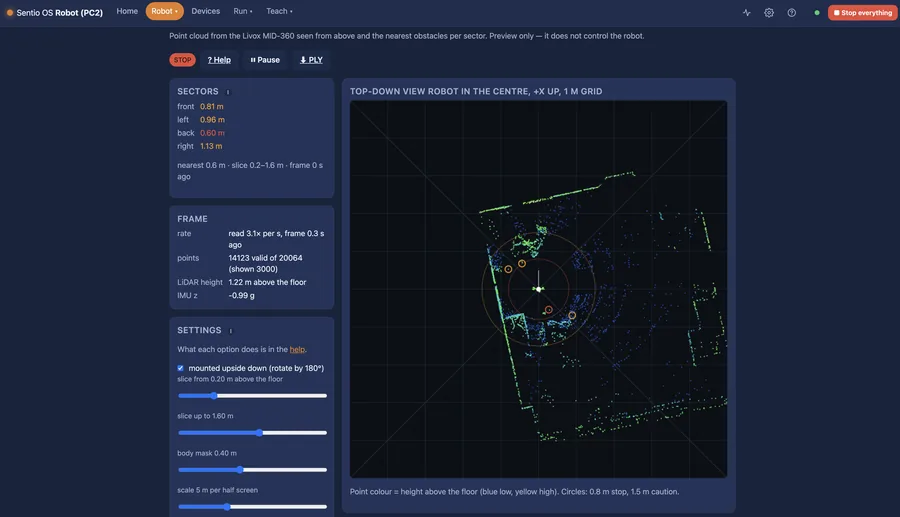
Watch →Available · Sentio gripperDrive to a marker, search for it, walk along free space by LiDAR, let a person lead the robot by the hand.
Watch →Available · LiDAR optionalKeynote & Show: presenter and robot lines with gestures and sound, played from one place.
Watch →AvailableTelemetry, load and temperatures, a hardware watchdog, a black box of what happened, and a stop-everything button.
AvailableEverything the interface does is an HTTP call under /api/v1 with interactive docs on the robot. The SDK is a thin Python client we send you on request.
Developer PreviewA Flow can drive a collaborative robot arm and a Shelly smart plug: the humanoid switches a machine on, or hands a part to a cobot.
Watch: humanoid and cobot → DemonstratedRemote control of the arms without a VR headset and without a powerful GPU, for demonstrations and data collection.
In developmentTested on Unitree H2: walking and basic Flows run, arm positions still need tuning for the longer arms. Not supported yet. A shared capability layer is the goal.
Tested · not yet supportedThe menu follows what you want to do: Home, Robot, Devices, Run and Teach. Help is built in. English and Czech.
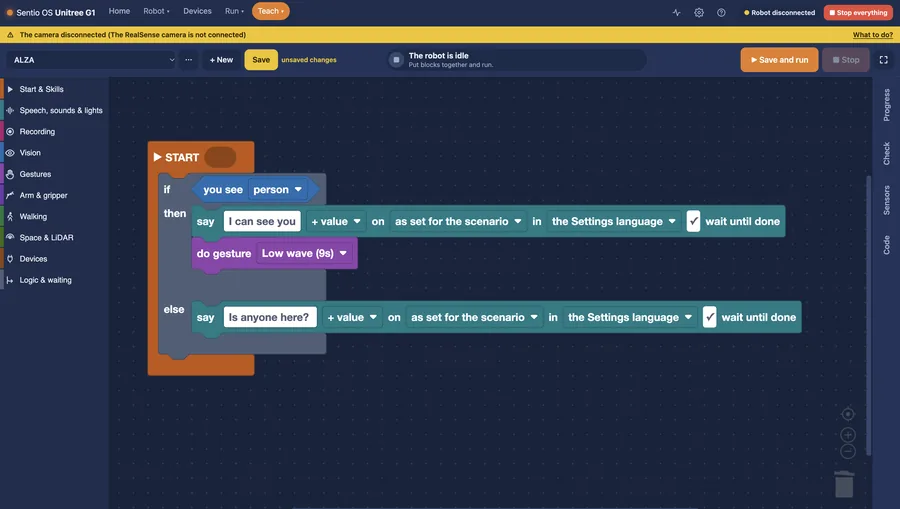
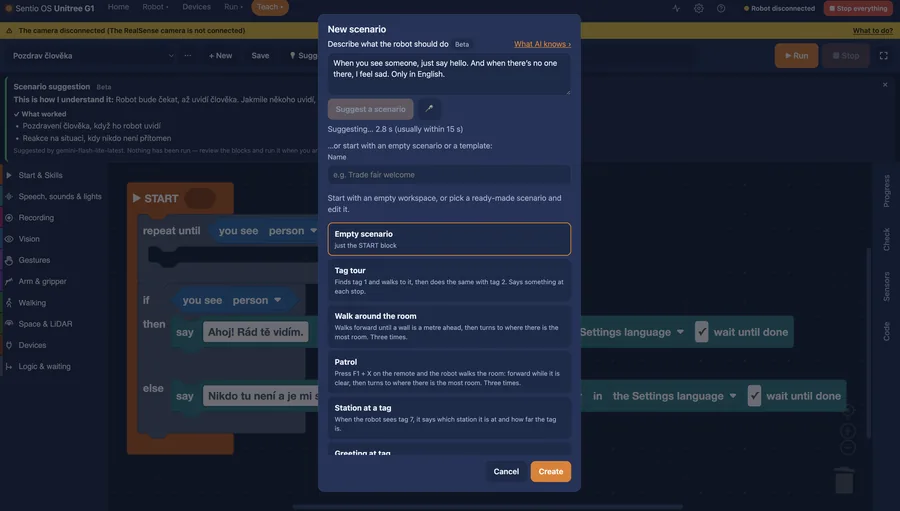
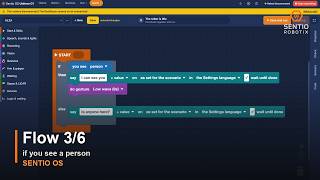
When you see a person → say hello → wave → walk to the marker “Table”.
Blocks are named the way the robot works: Talk, Look, Arm, Walk. People from manufacturing can switch to a factory vocabulary, and next to the blocks the program is listed line by line.
A Flow is checked before it starts and shows which step is running. Save it as a Skill and it gets a trigger of its own. Your own Skills you build in Flow; specialised ones an integrator can deliver.
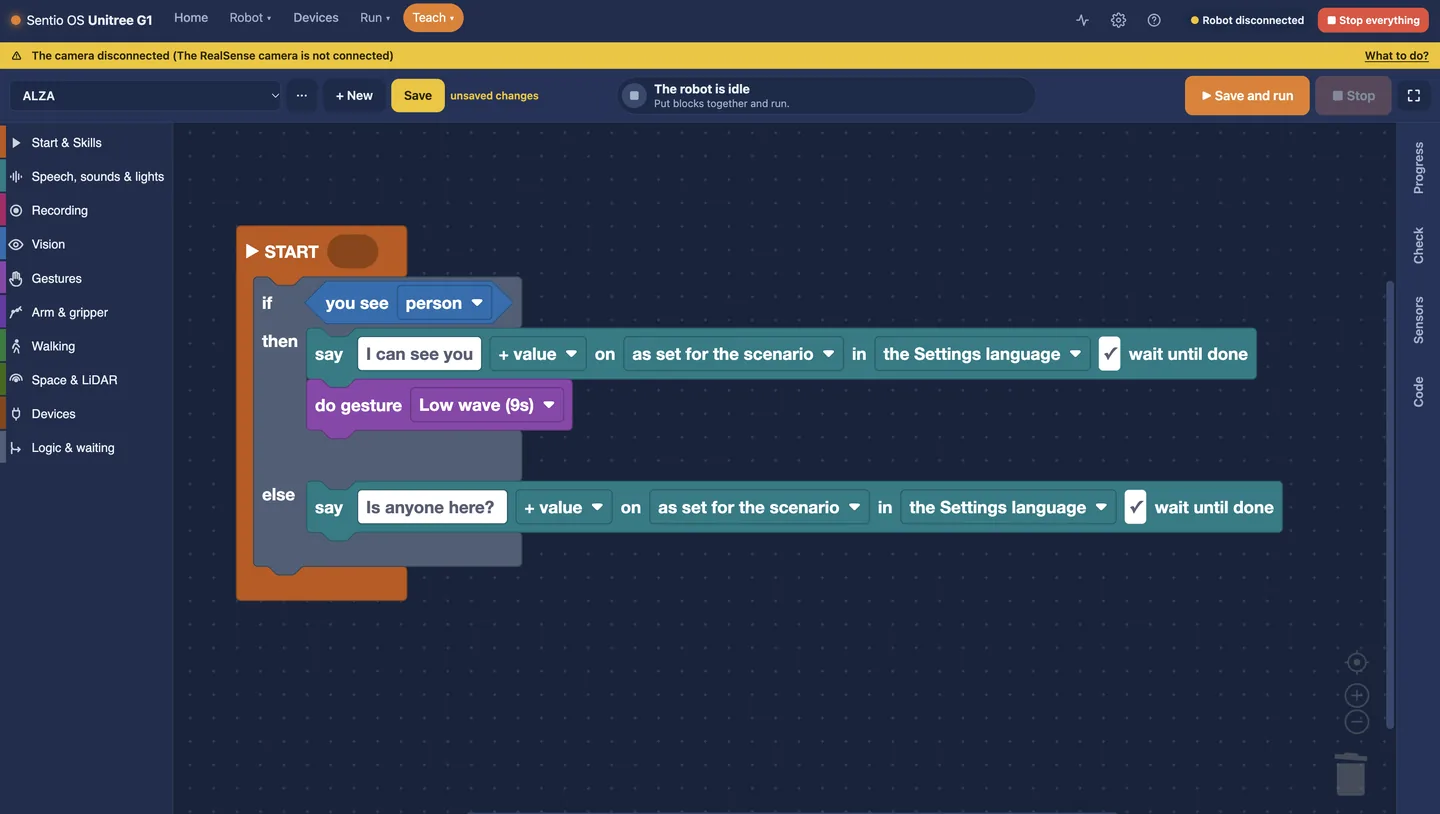
If you see a person: say “I can see you” and wave. Else: ask “Is anyone here?”
Sentio OS is one Docker image for 64-bit ARM. It runs beside the robot's original software and never rewrites it. Switch it off and the robot works as before.
Install the container on the robot's second computer (Jetson Orin NX). Software only, no extra hardware.
A ready kit the robot wears: Jetson Orin Nano Super, power from the robot's battery, camera and Sentio gripper, installed and tested. One Ethernet cable at the robot's neck.
64-bit ARM Linux with Docker, 8 GB RAM or more, NVMe storage, wired Ethernet to the robot. No GPU needed today.
The licence belongs to one robot and is valid for a year with updates included. It is a signed file: the robot never has to connect anywhere, so it works at a trade fair and on a closed network. A perpetual licence is available on request.
For companies that bought a humanoid, or are about to, and want it working quickly.
From a closed crate to a safely running robot.
Technical training for your developers and engineers.
Together we test one specific new use of a humanoid.
You don't need a technical brief. Tell us what you want to try, or install Sentio OS and find out for yourself.